
How It Works
Head into an event and click the "Proposal" tab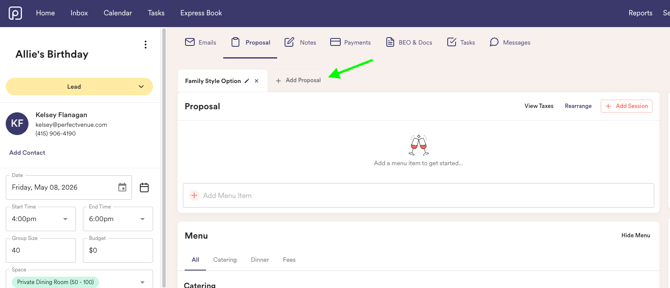
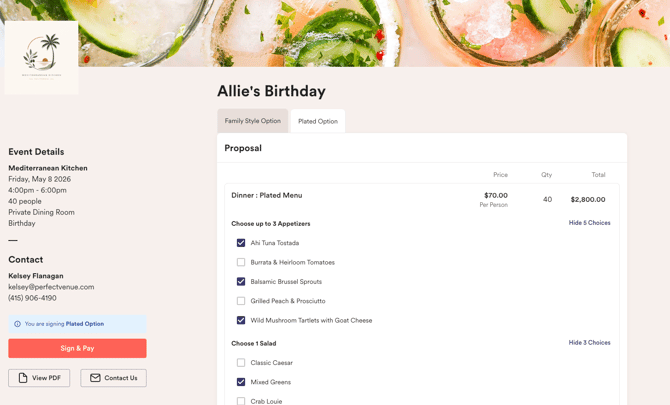
Each proposal you create will have their own menu items and totals, allowing you and your clients to easily compare different options.
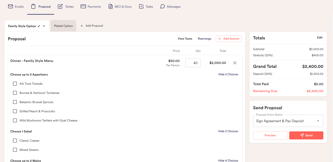
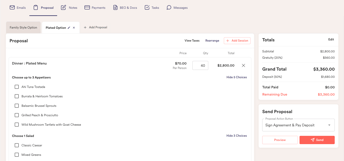
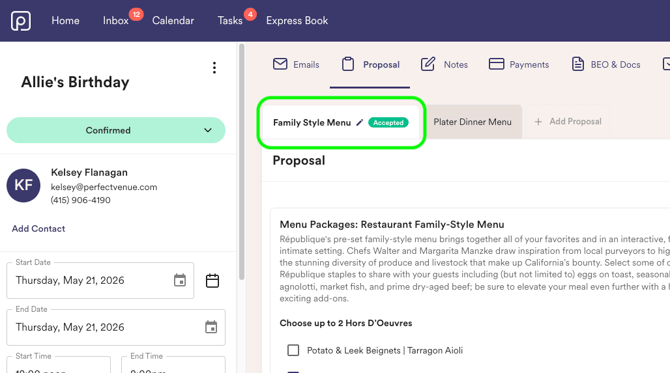
Once the client signs, you will see which one was accepted!
Can be modified per proposal:
-
Financials
-
Policies
-
Locking
- Countersigning
Cannot be modified per proposal:
Event Details (i.e. Date, Start Time, End Time, Contact)
Guest Experience
When guests open the proposal portal, they can:
- View all proposal options sent to them
- Compare proposal names and pricing totals
- Review menus, line items, and financials
- Select their preferred option
- Complete signing and payment online
- Once a proposal is signed, it will be removed from the client view
FAQ
What happens when I duplicate an event with multiple proposals?
When an event with multiple proposals is duplicated, all proposals will transfer into the new event.